
What a content calendar is, and is not
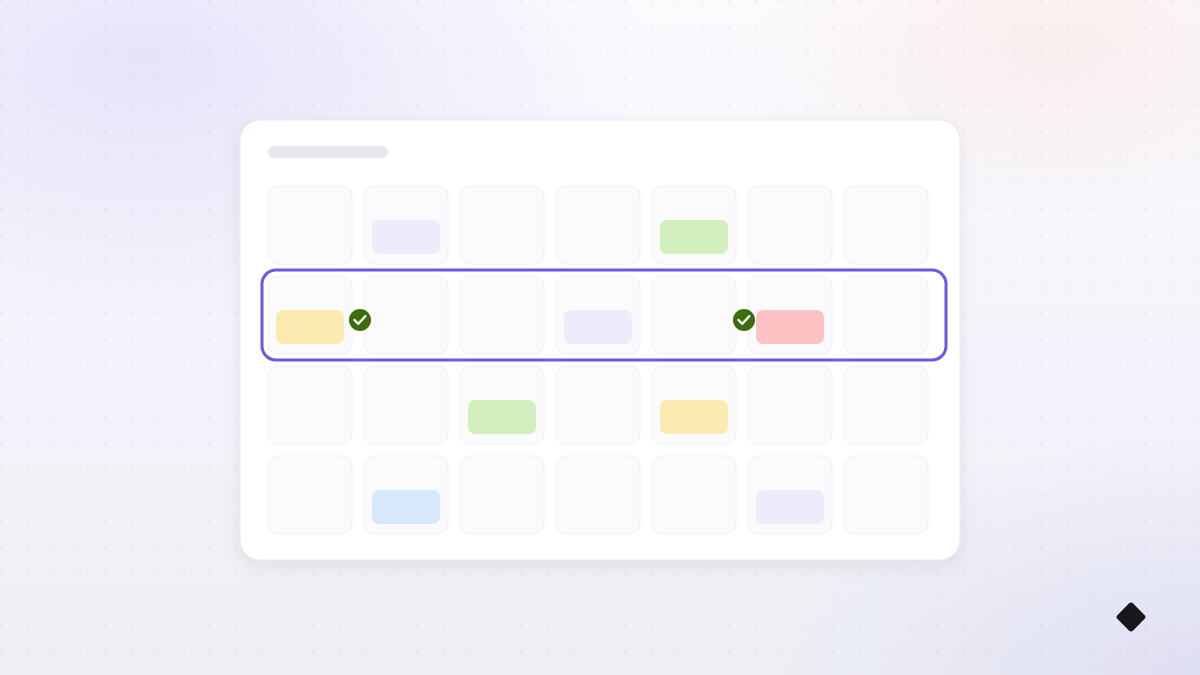
A content calendar is one place that answers three questions for the next week or two: what is going out, where, and when. That is the whole job.
It is not a color-coded command center, and it does not need special software to start. A notebook works. A spreadsheet works. The calendar you will actually open on a busy Tuesday beats the beautiful one you abandon by February.
What goes in each entry
Keep each planned post to a handful of fields. More than this and updating the calendar becomes its own chore:
- Day and time: when it goes live.
- Platforms: where it goes.
- Pillar: help, proof, human, or offer, so the week stays balanced.
- The idea: one line, like "before and after of the Hansen kitchen."
- Image or video: which one, or a note to shoot it.
- Status: drafted, ready for review, approved, scheduled.
Monthly themes, weekly details
Planning a whole month post by post sounds responsible and usually collapses, because week three never goes as imagined. Split the work instead:
Once a month, spend fifteen minutes on themes: what is happening in the business, the season, any event or promotion worth building toward. Write a line per week, nothing more.
Once a week, turn the current theme into actual posts: pick the days, assign pillars, write the captions, choose the images. Twenty to thirty minutes when the pillars already exist, and if ideas are the bottleneck, the prompt list in our ideas guide shortens this to minutes.
Balancing pillars and campaigns
A normal week rotates the pillars: some help, some proof, something human, an offer at most every other week. A campaign week is different on purpose: a sale, an event, or a launch temporarily takes more slots, with a build-up post, the announcement, and a last-call.
The calendar is where you see that balance at a glance. If the last two weeks were all offers, it shows. If the campaign crowded out everything human, it shows. Balance is a glance, not a formula.
The create, review, approve, schedule loop
Every post should pass through four small states: drafted, reviewed, approved, scheduled. The order matters more than the tooling. Drafting happens in your planning sitting. Reviewing is a second look with fresh eyes, ten minutes on another day, where the wrong price or an off note gets caught. Approval is the deliberate yes. Scheduling is logistics, and it is the only step that should be fully automatic.
If more than one person touches the content, this loop is what keeps the account sounding like one business instead of three people with the password.
One idea, many platforms
Plan ideas once, then shape them per platform instead of copying and pasting. The same before-and-after becomes a photo pair on Instagram, a shorter caption with a local angle on Facebook, and a one-line update with the photo on your Google Business Profile. Write the idea in the calendar once, and note the platform twist only where it differs.
Blind cross-posting is the tell of an automated account. Platform-shaped versions of one idea read as a business that shows up everywhere on purpose.
A sample week in the calendar
Here is a week for an imaginary home-services company, written exactly as it would sit in the calendar:
- Mon 9:00 · Instagram + Facebook · Help: "Three signs your water heater is about to quit." Stock of last week's job photo.
- Wed 12:00 · Instagram + Facebook + Google Business · Proof: before and after of the Hansen kitchen repipe, one line on the fix.
- Fri 15:00 · Instagram + Facebook · Human: introduce Marco, ten years on the crew, the question he answers most.
- Sat 10:00 (every other week) · Facebook · Offer: "Two service slots open next week", link to book.
Four entries, six fields each, one page. Swap the trade and the same skeleton works for a salon, a bakery, or a law office.
Five mistakes that kill calendars
- Planning too far ahead. A month of exact posts is a fantasy; a month of themes plus a planned week is a system.
- Tracking too many fields. If updating the calendar takes longer than writing the post, the calendar loses.
- No review step. Straight from draft to published is how stale prices and typos ship.
- Treating it as law. Real life outranks the plan. Move posts freely; the calendar serves you.
- Keeping it somewhere you never look. The calendar must live where you already work, or it quietly dies.
How Postd runs the calendar for you
Everything above works on paper. The reason calendars still die is that the slots need filling every single week: writing, image-matching, scheduling, forever. That recurring work is what Postd automates: it learns your business from your website, drafts the week across your pillars, matches images, and places everything on a calendar where you can drag posts between days. You review, edit, and approve; nothing publishes without your approval. The whole loop is on the How it works page.
Your next step: block fifteen minutes today to write this month's four theme lines, then plan just next week using the six fields above. One page, one sitting, and the blank-page problem is gone.